Fudura Tele-API #
To share measurement data via Fudura, a Fudura Tele-API subscription is required from Fudura. It should be shut off by the owner or user of the connection.
Authorization #
Linking a Fudura meter to Meterbeheer requires only the submission of a completed authorization.
The authorization form can be downloaded here. The authorization should be emailed after completion to info@fudura.nl.
Customer number vs. contract number #
When topping a Fudura meter, the customer number is required. The customer number is not equal to the contract number.
The customer number is listed on the contract with Fudura or on the Fudura invoice.
Download invoice #
In the Fudura dashboard (www.Fudura.nl) it is possible to download an invoice. The connection owner has the login credentials for the Fudura Dashboard. Are these not available? If so, please contact Fudura Customer Service:
Fudura customer service
E: info@Fudura.nl
T: 023 – 238 38 38
Download invoice #
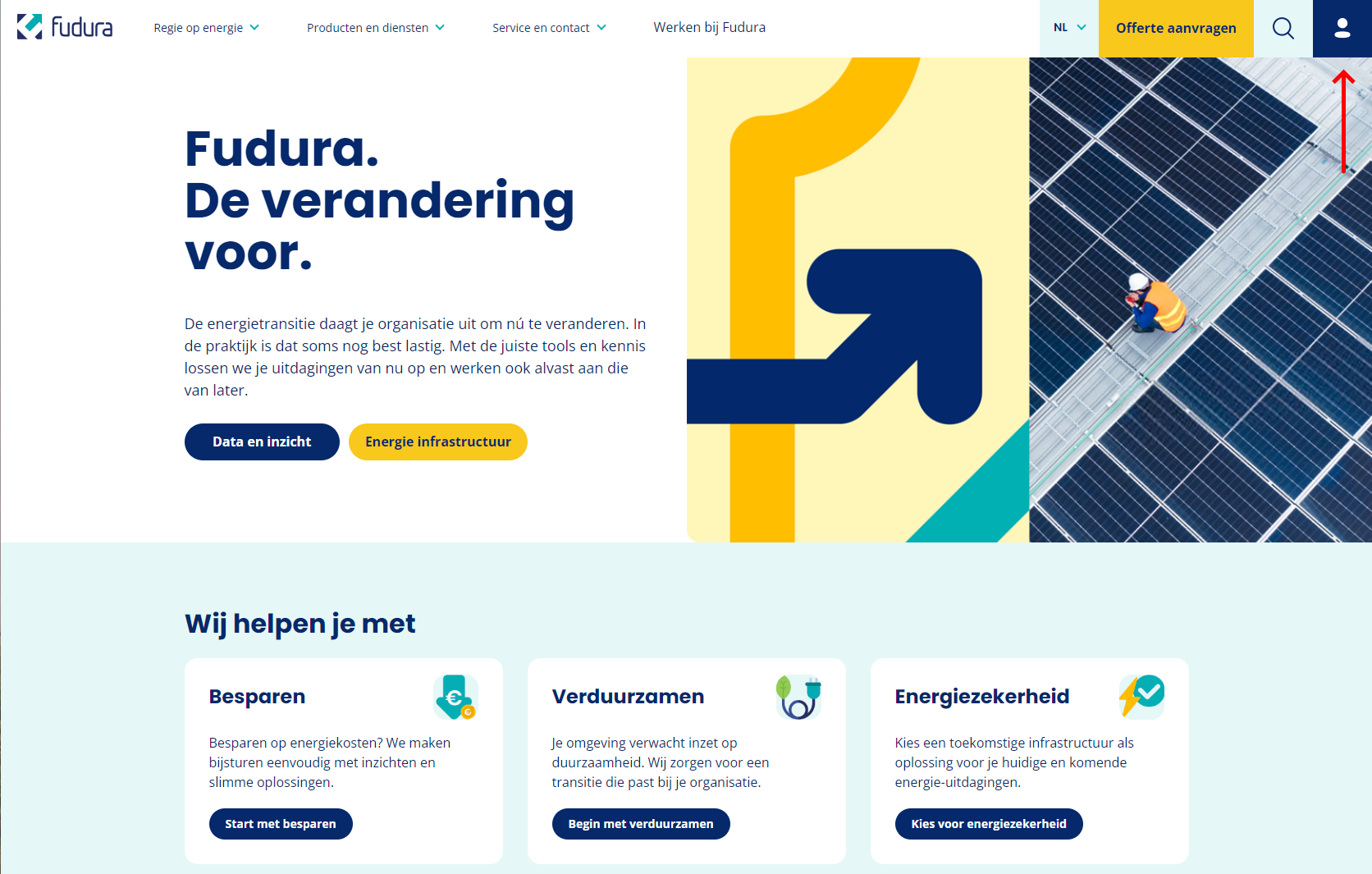
Go to www.Fudura.nl and click on the account icon at the top right.
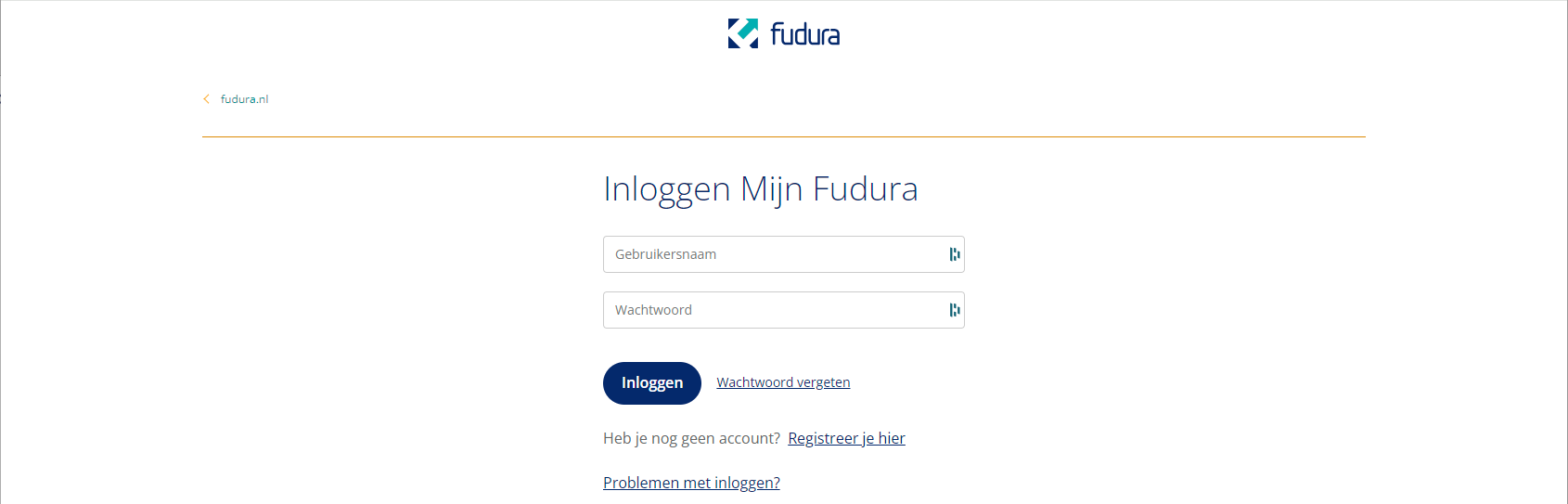
Log in with the login credentials. These are available to the owner of the connection.
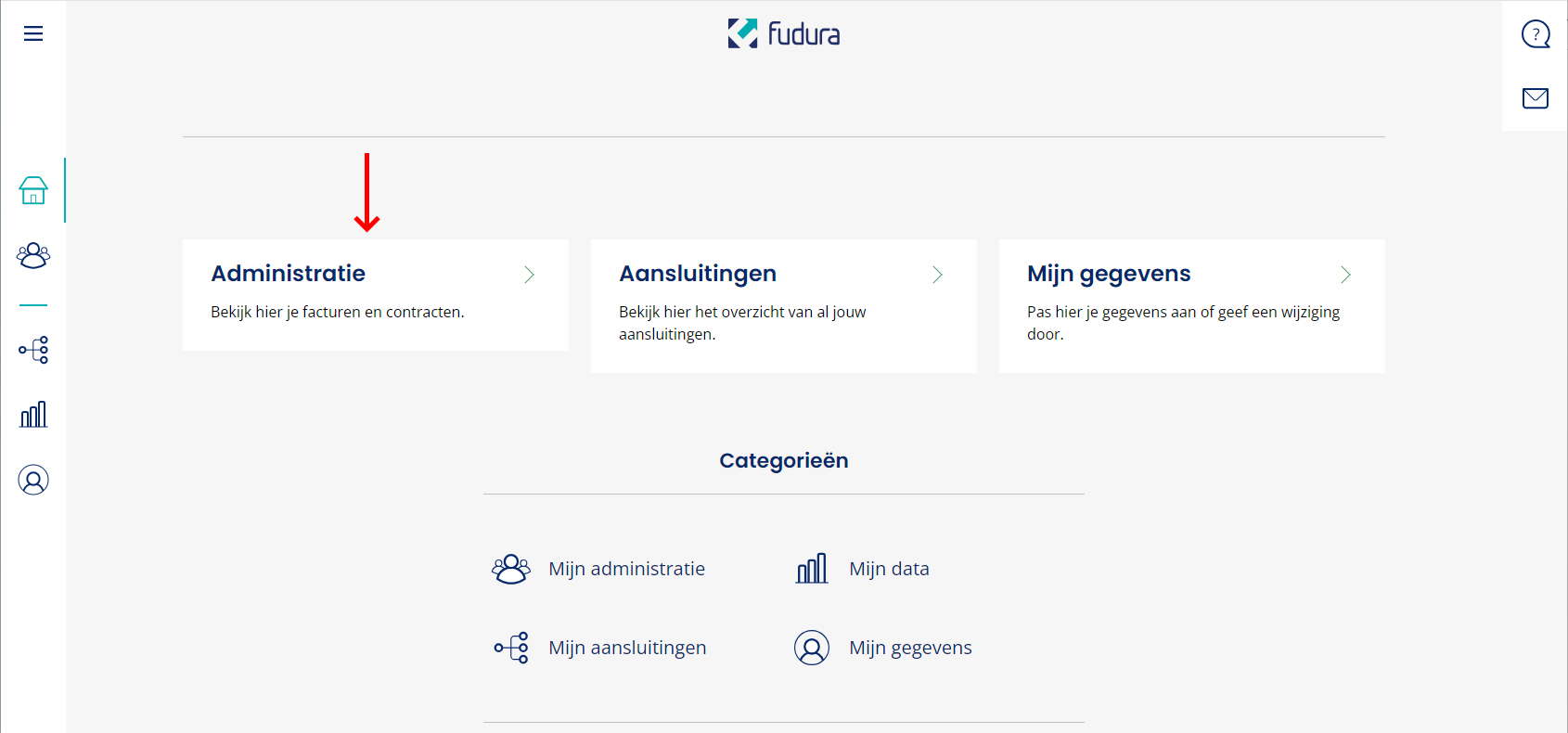
After logging in, click on “Administration.”
Then click “Invoices.”
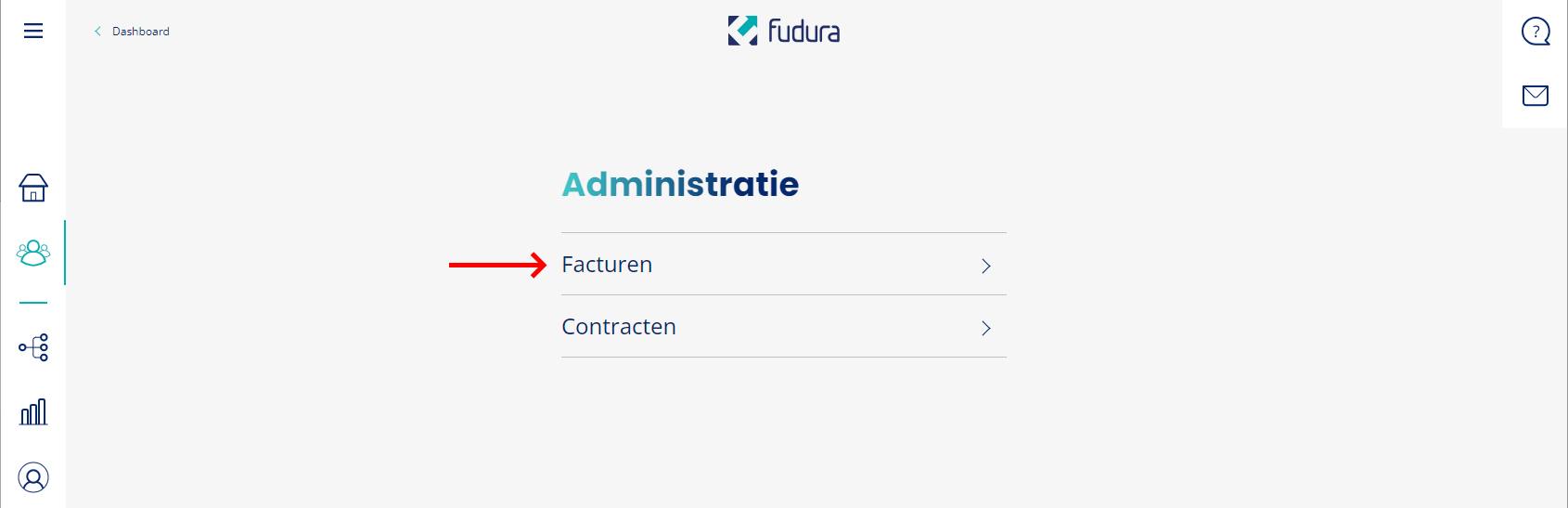
Download an invoice to look up the customer number.
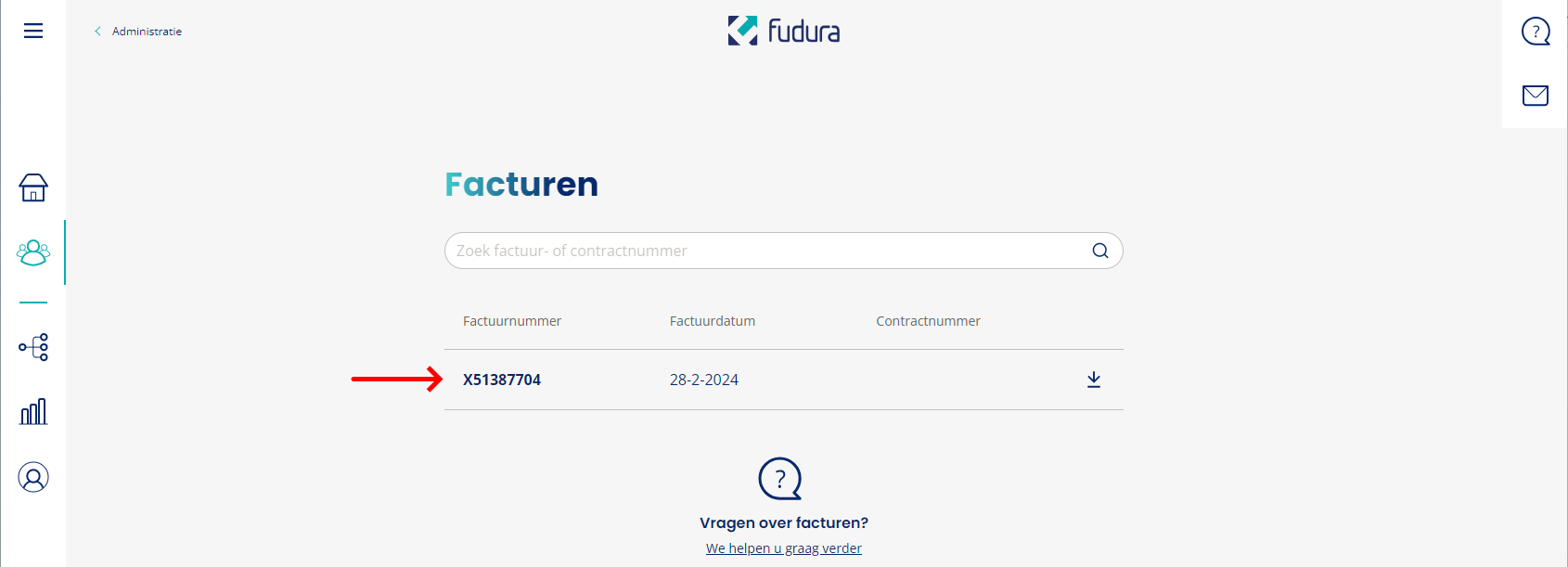
The invoice shows the EAN codes of all connections and the customer number.
Channels #
electricity
- ELCLAx15 – consumption per 15 minutes (kWh)
- ELCOAx15 – feed-in per 15 minutes (kWh)
Gas
- GLCLNx – consumption per hour (m3)